Virtual staging vs a full 3D interior render: what is the difference?
Sales · Orest Moskal · 2026-11-20 · 5 min
Agencies and developers often use "virtual staging" and "interior rendering" as if they were the same thing. Both put furniture into a room that buyers cannot yet see furnished, and both end up in the listing gallery. But they start from different material, answer different questions and carry different risks. Choosing the wrong one costs time, and sometimes trust. Here is the difference, and how to decide which one your project needs.
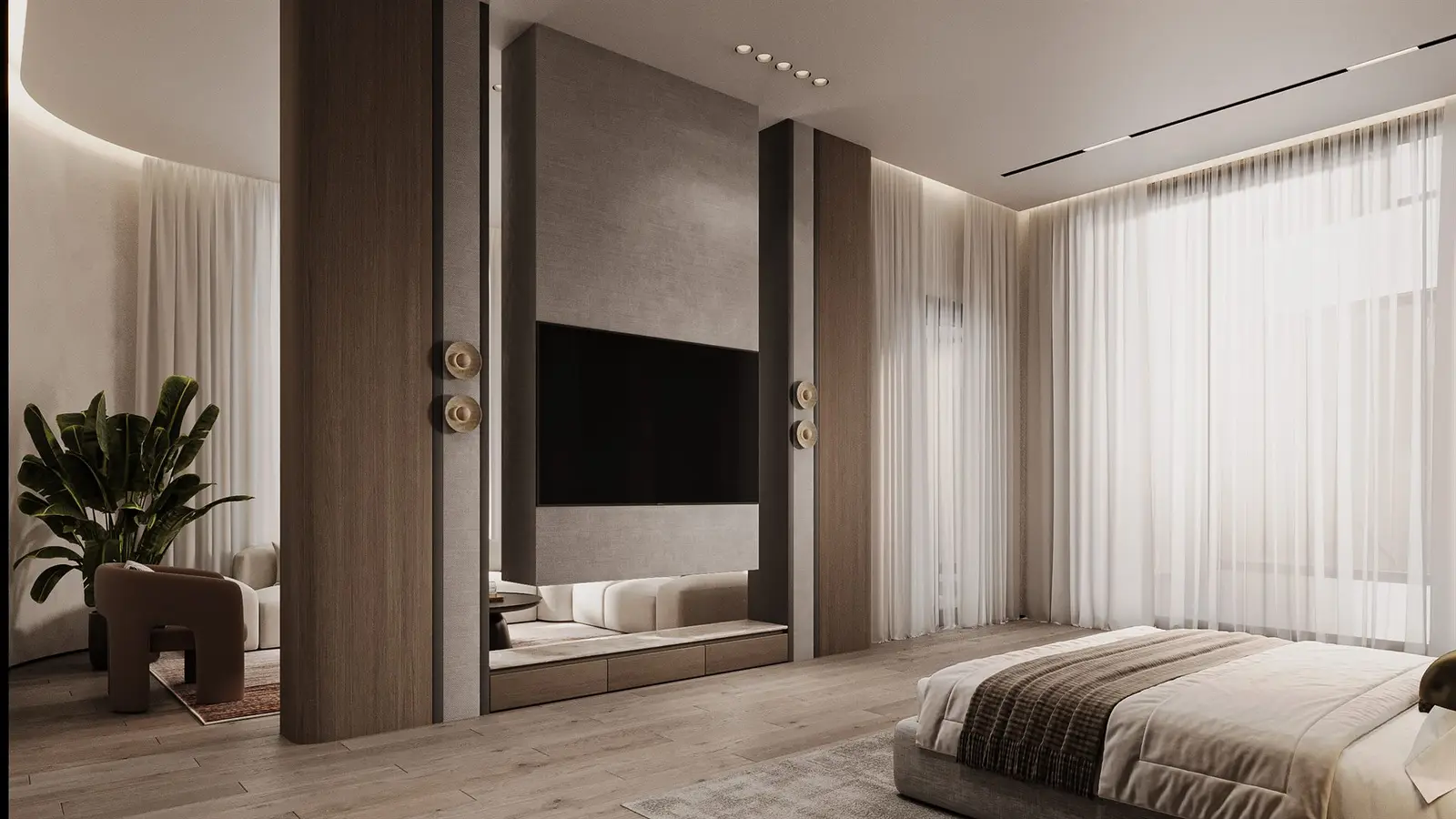
Virtual staging: furniture added to a real photo
Virtual staging starts from a photograph of a space that already exists, usually an empty or dated room. Furniture, rugs, art and lighting are added digitally on top of the photo. The walls, windows, floors and view stay as the camera recorded them.
That is its strength: what buyers see is the real room, from a real camera position, made easier to imagine as a home. It suits resale homes, empty show units in completed buildings and rentals where the space is finished but unfurnished.
A 3D interior render: the whole room built from drawings
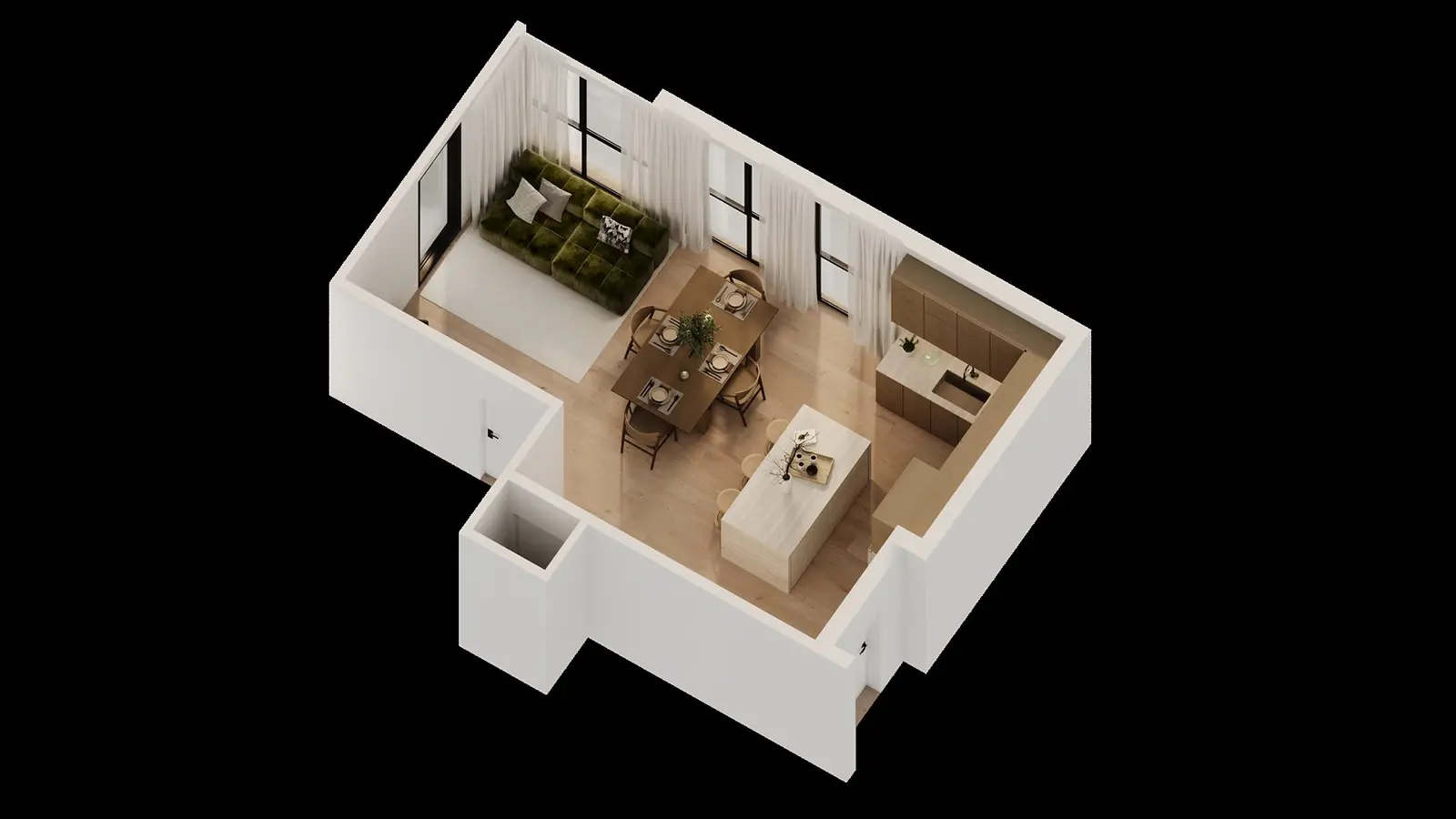
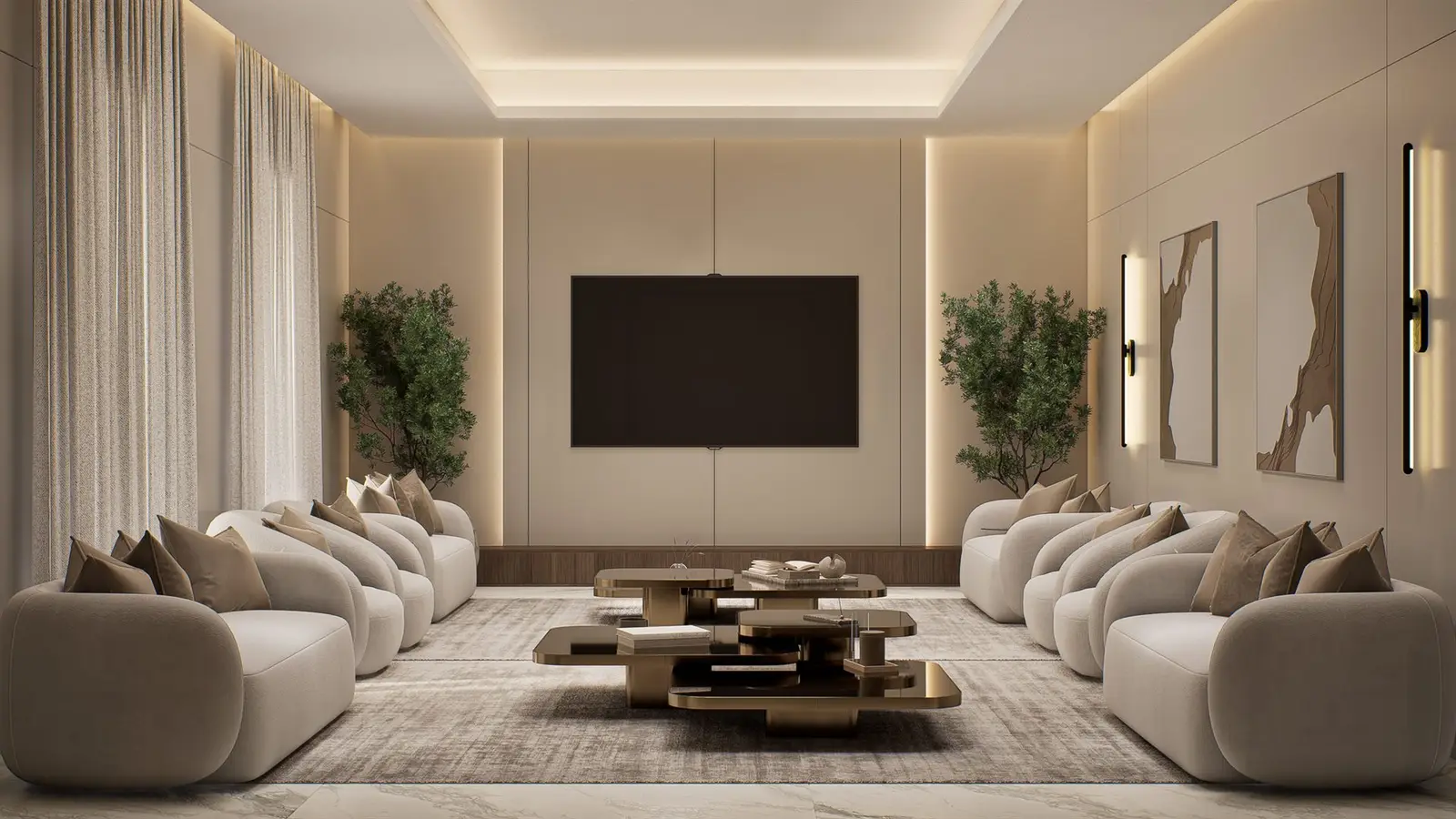
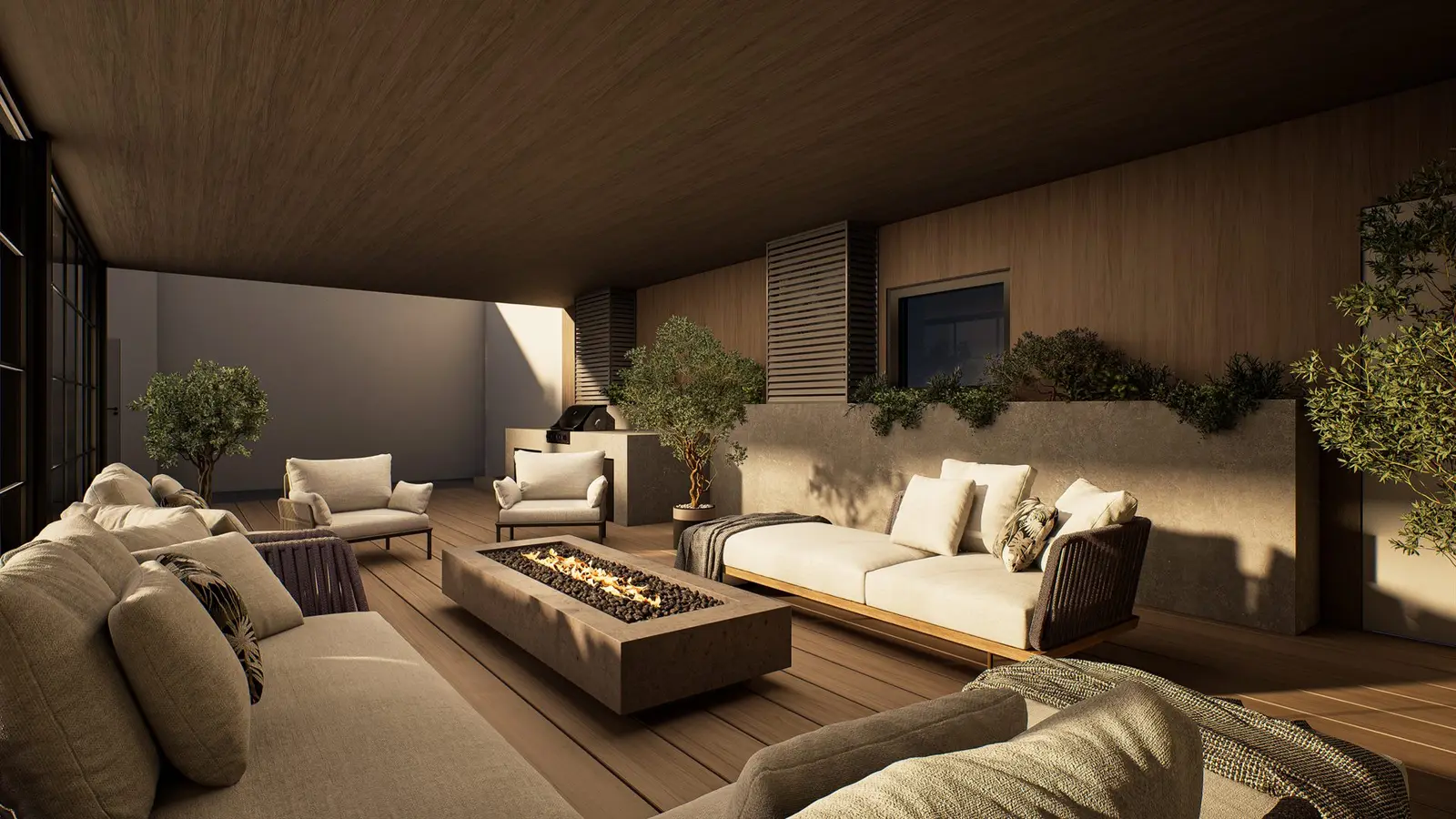
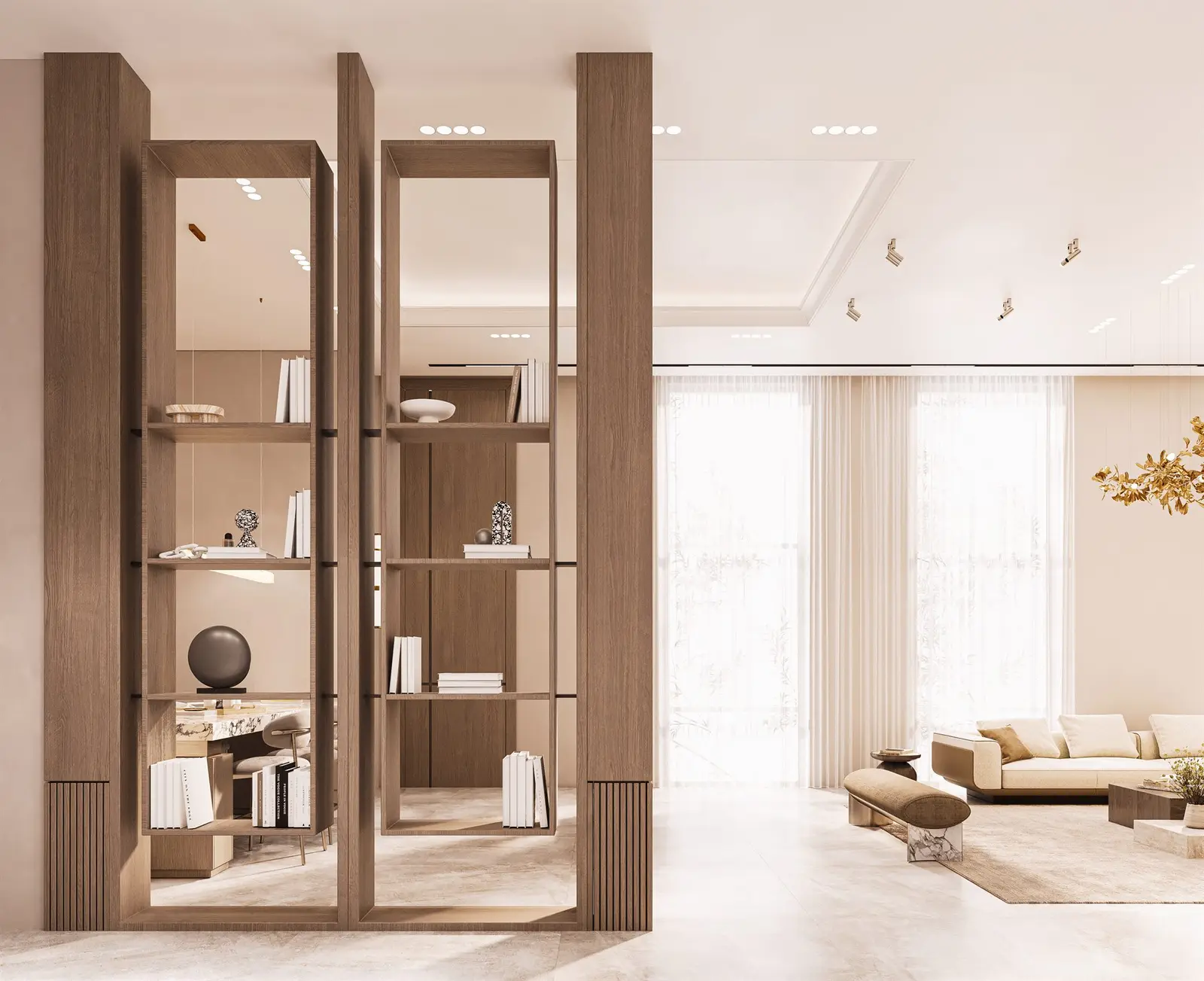
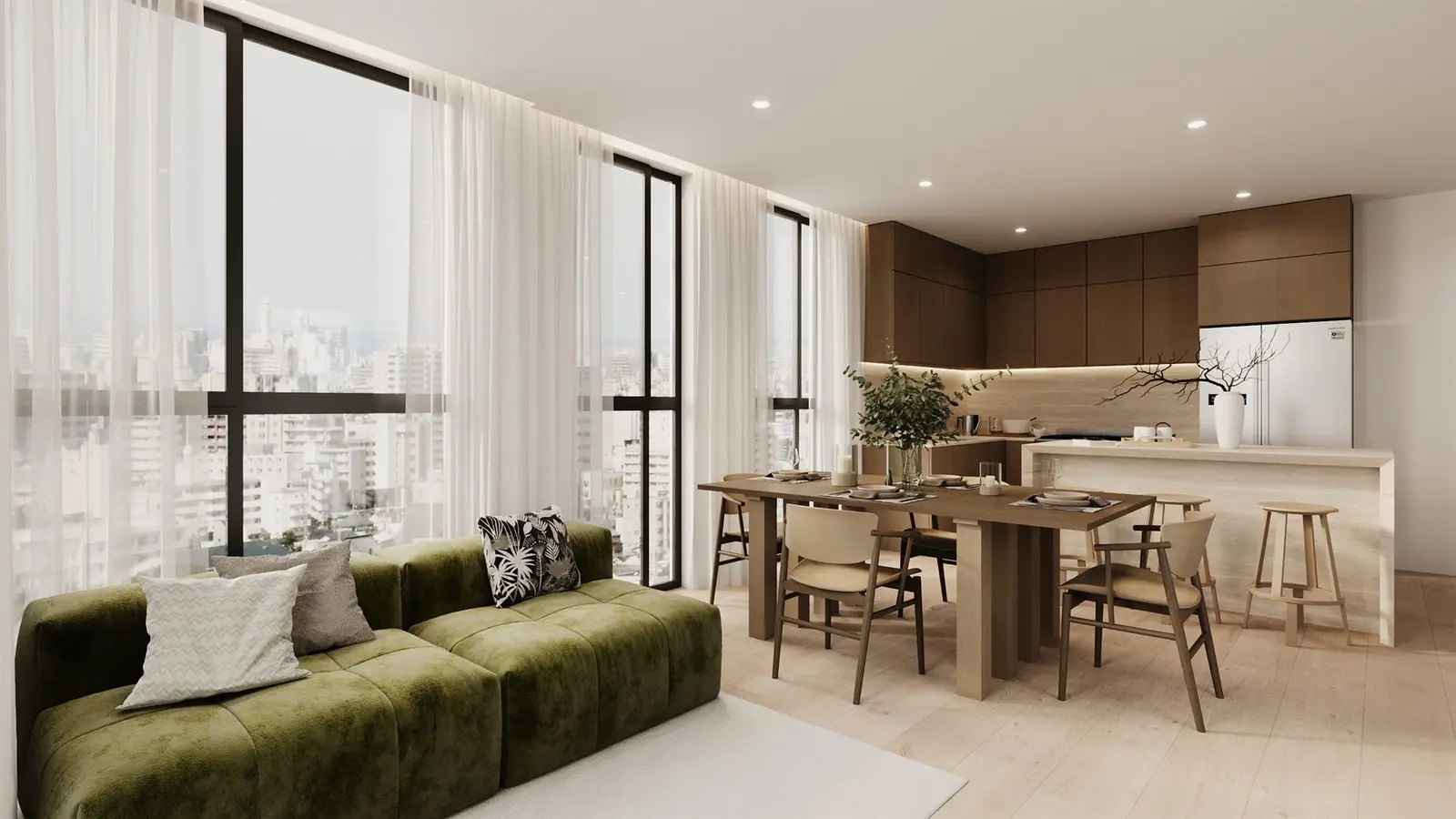
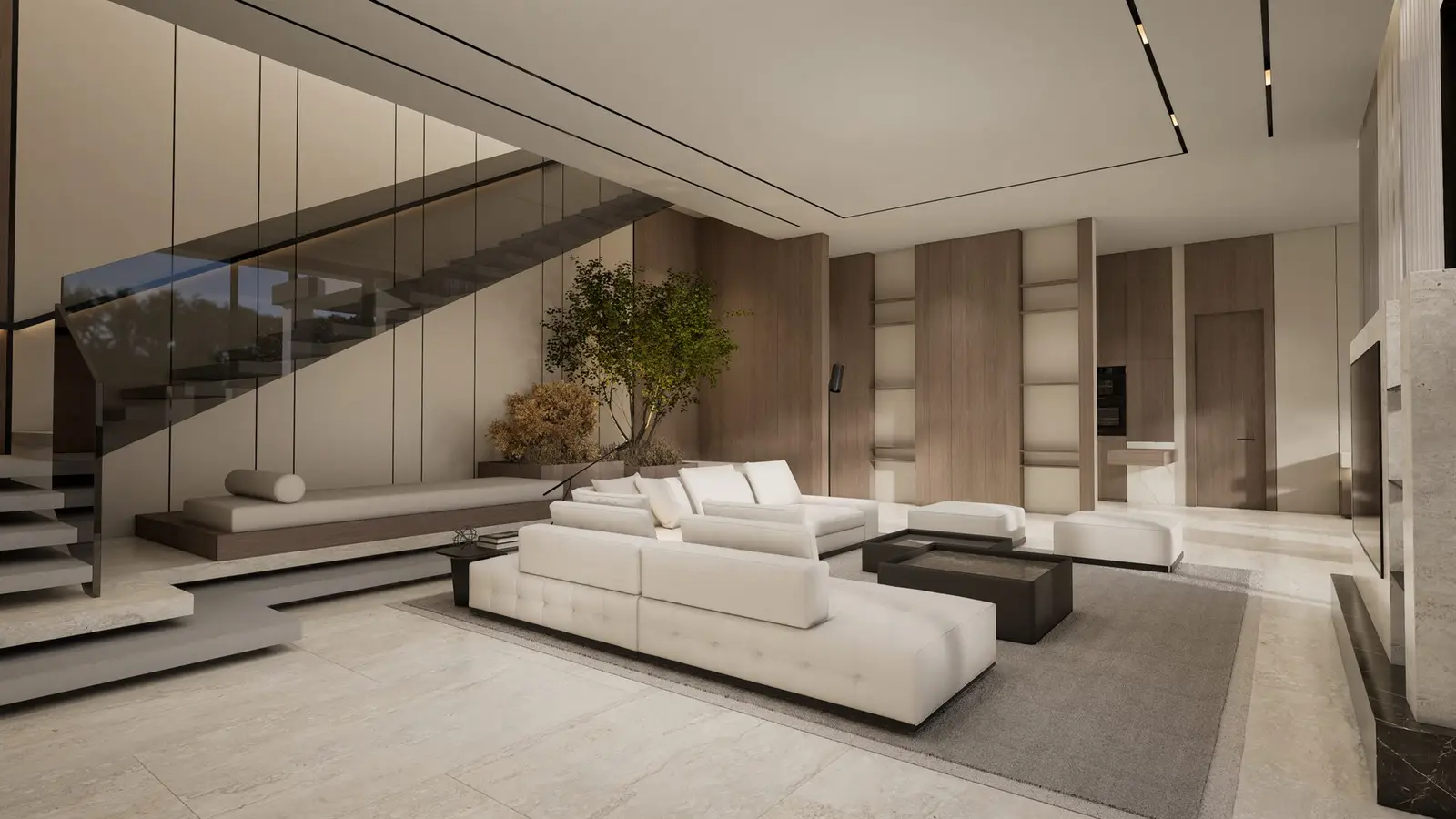
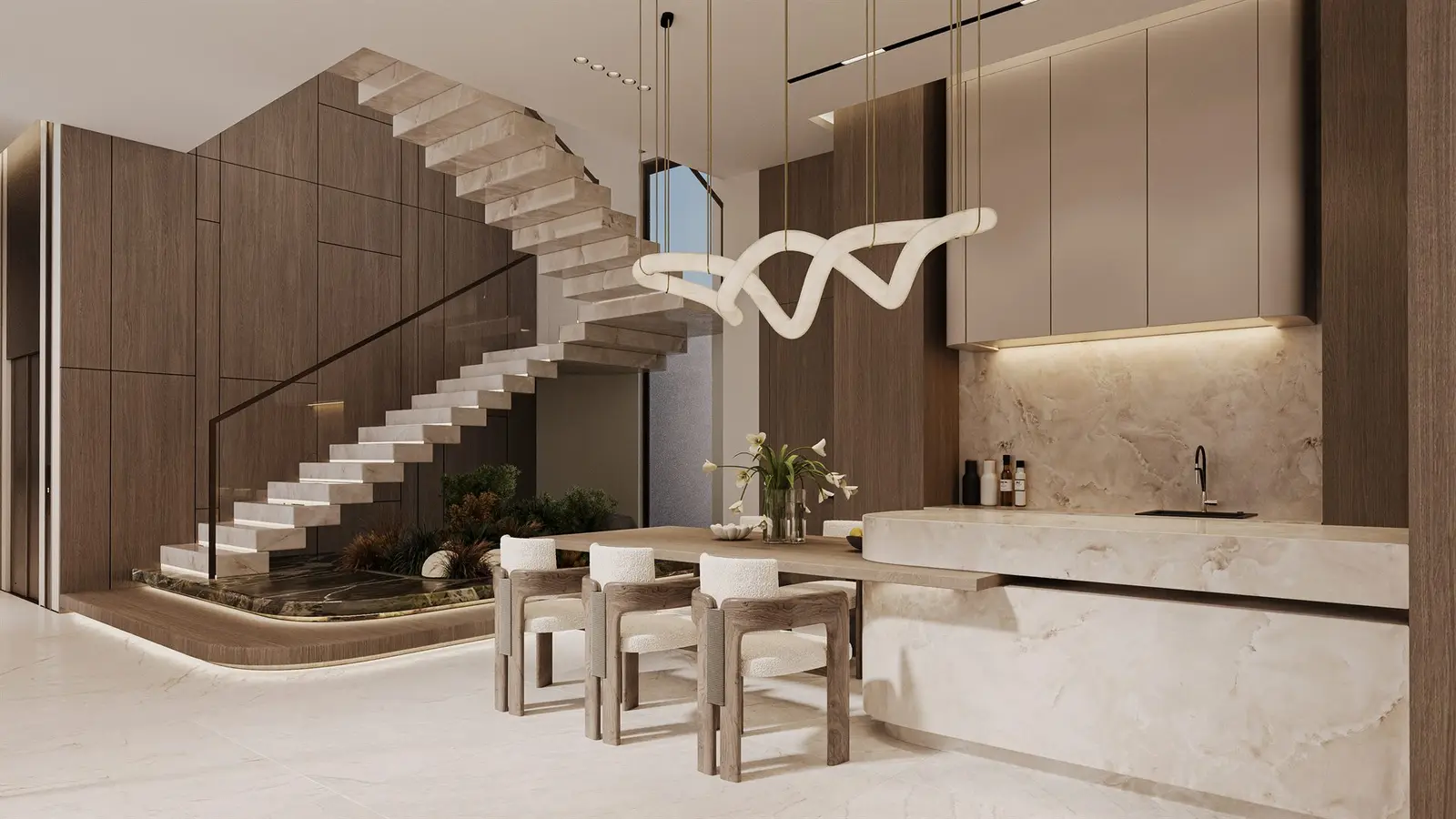
A full interior render does not need a photograph. The room is built as a 3D model from the architectural drawings, including walls, ceilings, windows, floors, kitchen, bathrooms, fixtures and finishes, and then furnished, lit and rendered as an image.
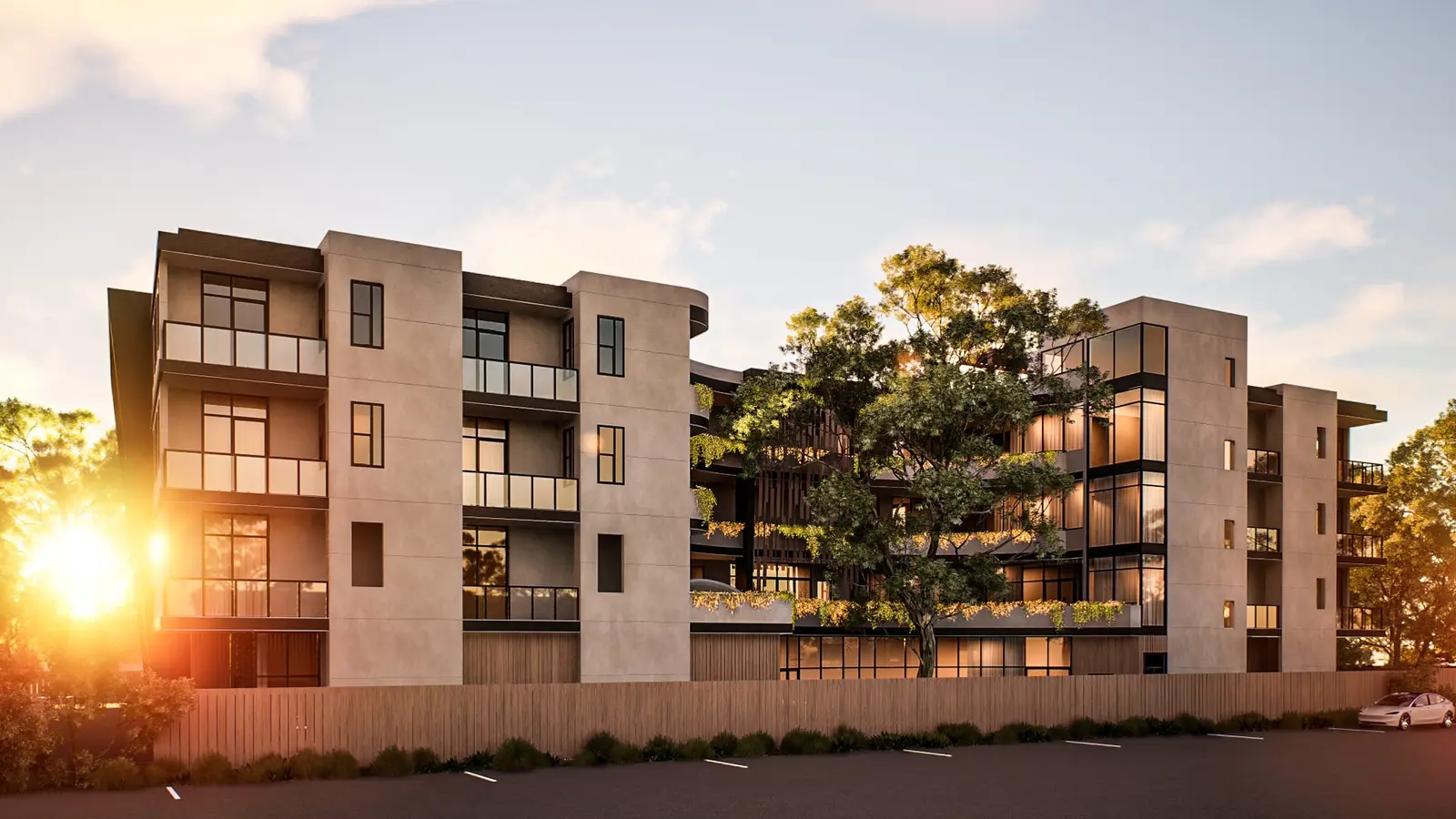
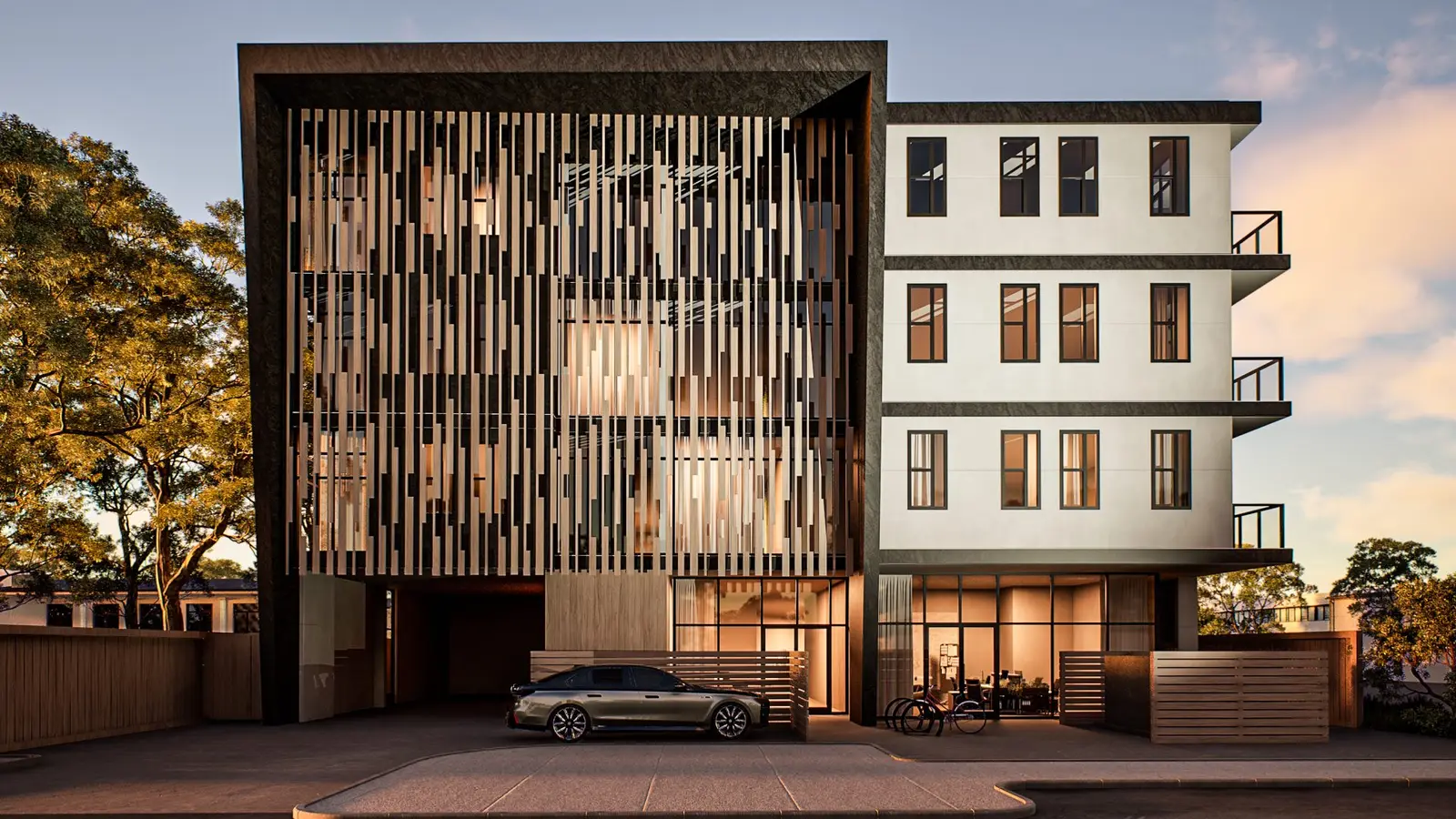
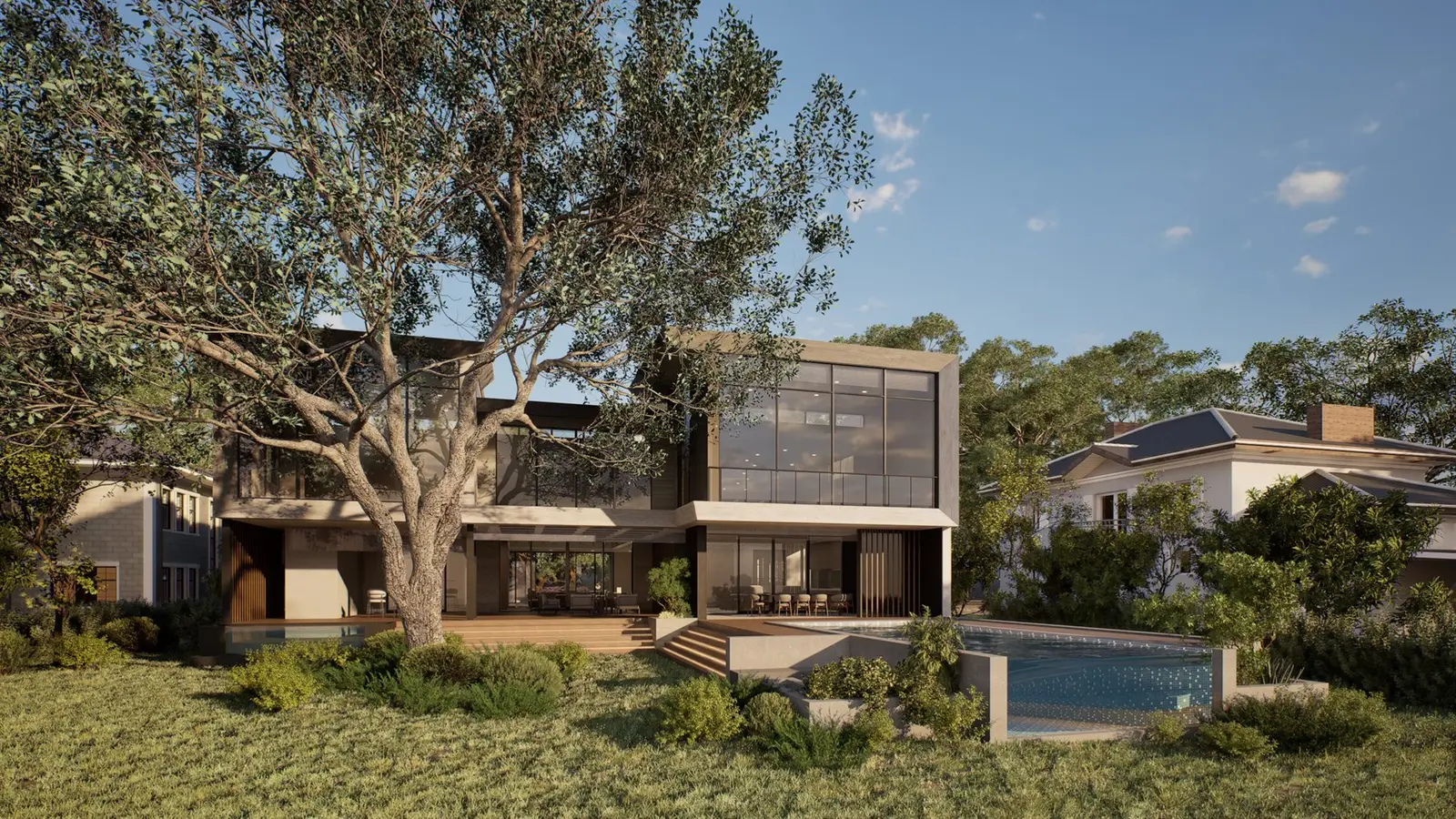
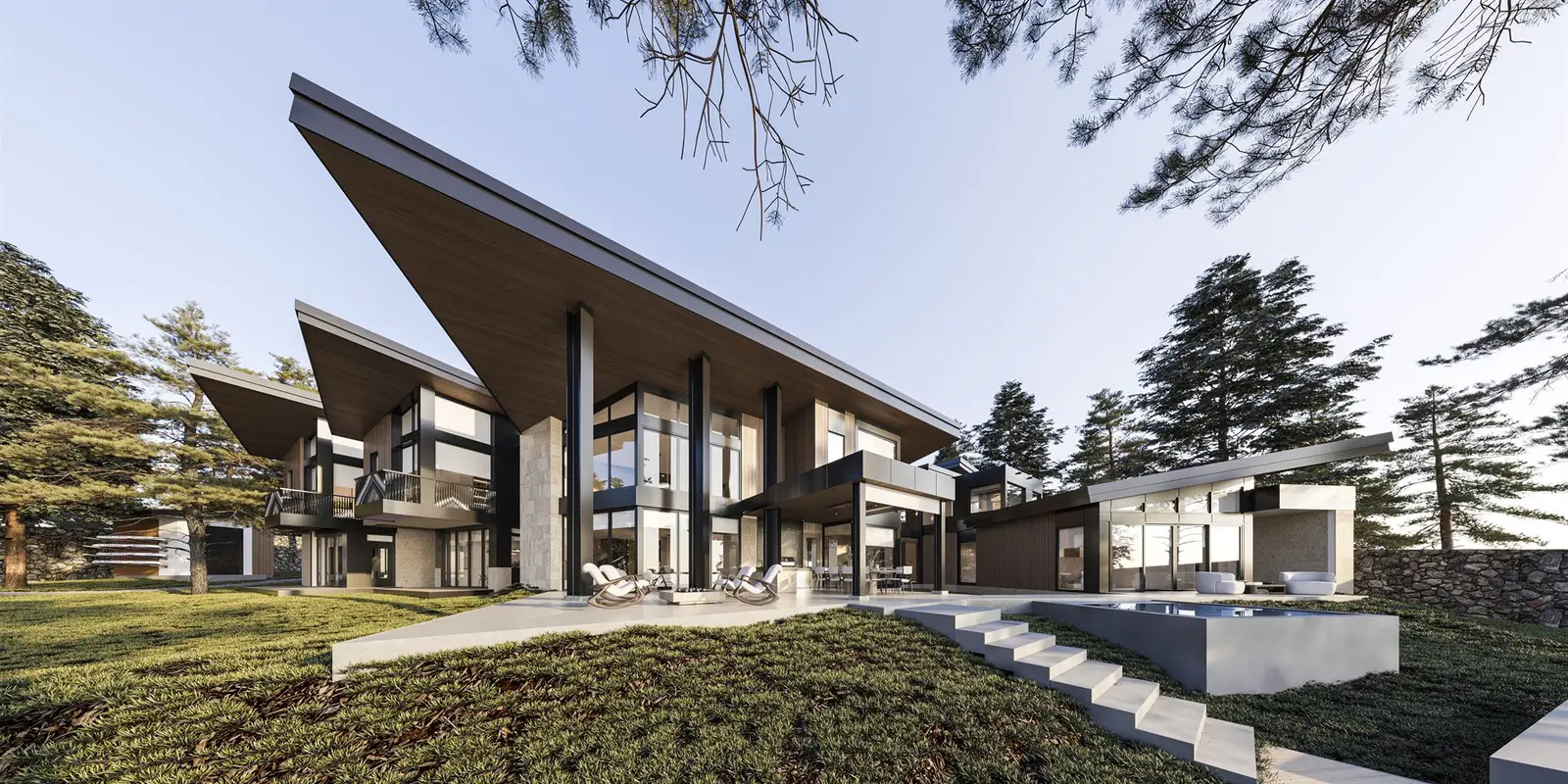
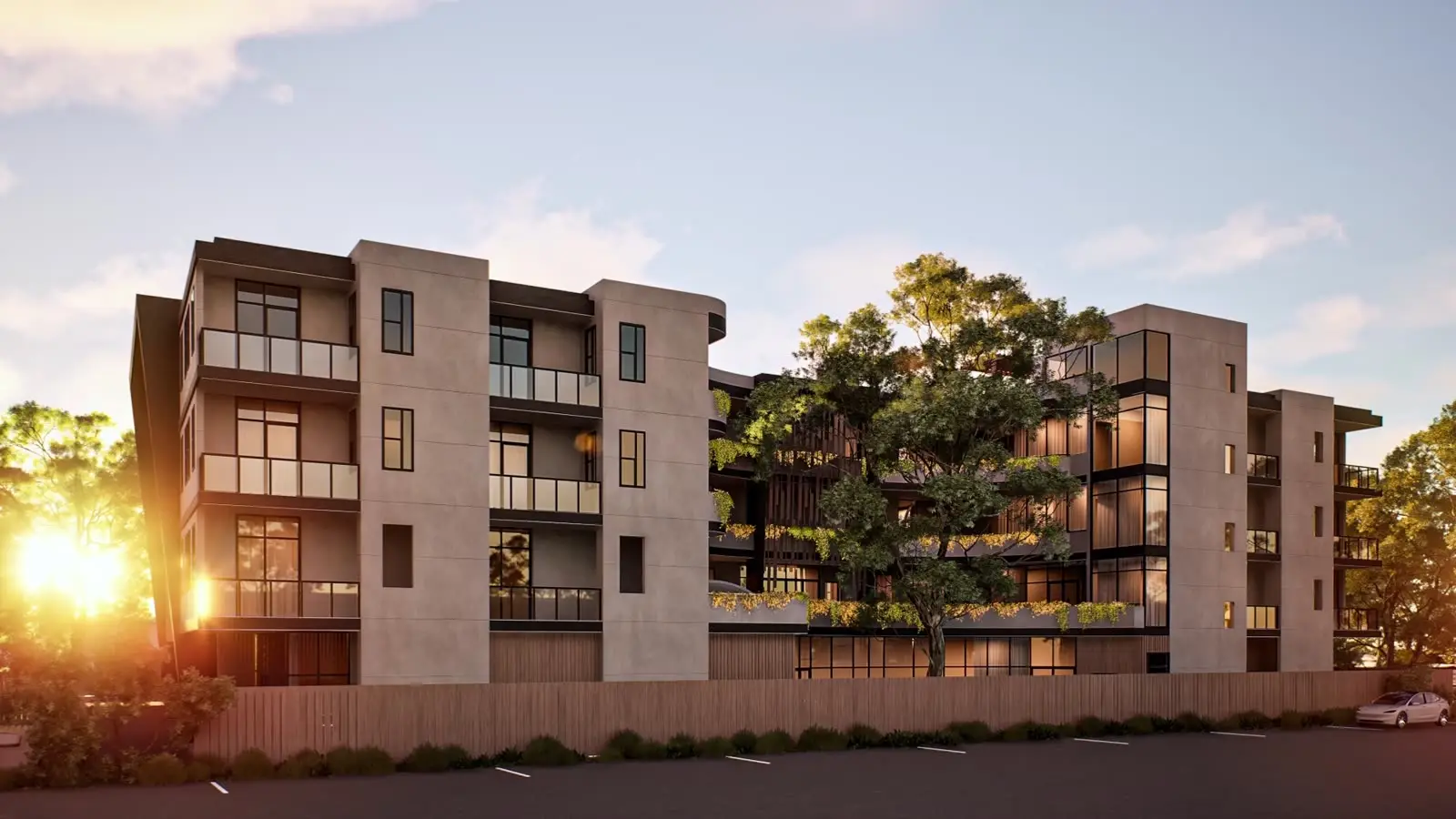
Because everything is created, it works before anything is built. It is the standard tool for off-plan sales, where there is nothing to photograph yet. It also lets you show finish options, change the time of day, and produce several views of the same room that match each other, because they all come from one model.
The practical differences
The two are not better or worse versions of the same product. They differ in what they need and what they can change.
- Starting point: staging needs a good photo of an existing room; a render needs current drawings and a finish specification.
- What can change: staging changes the contents of a room; a render can show the room itself, including finishes, joinery and fittings that do not exist yet.
- Camera: staging is fixed to the angle of the original photo; a render can be framed from any position the space allows.
- Reuse: a staged photo is a single image; a 3D model can also produce more views, 3D floor plans, animation and interactive tours.
- Consistency: across many units, a render set from one model stays consistent; staged photos depend on the light and quality of each shoot.
Where each one goes wrong
Virtual staging fails when it is asked to do more than add furniture. Replacing flooring, removing a column, repainting walls or improving the view through the window changes what the buyer thinks they are getting. Poor staging also gives itself away: furniture at the wrong scale, shadows that do not match the room's light, or a sofa that floats above the floor.
Renders fail in a different way. If they are based on outdated drawings, or show finishes, furniture sizes or views that the delivered apartment will not have, they create expectations the building cannot meet. A render is only as honest as the drawings and specification behind it.
Disclosure: tell buyers what they are looking at
Buyers increasingly expect to be told when an image is not a plain photograph. California is a concrete example: Assembly Bill 723, approved in October 2025, added Section 10140.8 to the Business and Professions Code. It requires brokers and salespersons, or people acting on their behalf, who use a digitally altered image to advertise property for sale, to say that the image has been altered and to give access to the original, unaltered image. Common adjustments such as lighting, white balance, cropping or straightening are excluded.
Rules differ by state and country, and how they apply to a specific listing is a question for your broker or legal advisor, not for a blog. The practical habit is simple wherever you sell: label staged photos and renders clearly, keep the originals, and agree in writing who is responsible for the labels in each channel.
How to choose
A few questions usually settle it.
- Does the space exist and look the way it will be sold? Staging can be enough.
- Is the unit unbuilt, unfinished, or being sold with finishes that are not installed yet? You need a render.
- Do you need several matching views, finish options or more than still images? A 3D model pays off.
- Would staging have to change walls, floors, fixtures or the view? Then it is no longer staging, and a render with honest labelling is the cleaner route.
- Is this one resale listing or a launch with many unit types? The bigger the range, the stronger the case for one consistent model.
Checklist before you publish
Whichever route you take, check these points with your team and your studio.
- Are the drawings, finish schedule or source photos current, and who confirmed them?
- Is the furniture at realistic sizes for the room?
- Does anything in the image show a feature the buyer will not get?
- Is every staged photo and render labelled in the listing, brochure and website?
- Are the original photos stored and easy to link where needed?
- Who updates the images if the design or the finishes change?