How to brief a rendering studio: a one-page brief that gets the first draft right
Planning · Orest Moskal · 2026-11-15 · 5 min
A lot of the time lost on a rendering project is lost before anyone opens a 3D file: missing drawings, an unclear audience, references that point in different directions. A good brief fixes that. It does not need to be long — one page is usually enough — but it needs to answer the questions the studio would otherwise ask one email at a time. Here is what to put on that page, why each line matters for your launch, and a template you can copy.
Why the brief decides the first draft
A studio can only render what it knows. If the brief says "modern, premium, lots of light", every person reads those words differently, and the first draft becomes the moment everyone discovers what they actually meant. If the brief shows the finishes, names the buyer and lists where each image will be used, the first draft is a refinement instead of a restart. A clear brief also makes the quote more precise: the studio prices what you need, not a guess with a margin for surprises.
1. The project in two lines
Name, location, type and scale: "Twelve-unit residential building, mid-rise, urban infill" or "Single-family villa on a sloping coastal site". Add the stage the design is in — concept, permit set, construction drawings — because it tells the studio how much is likely to change.
2. Who the images must convince
Buyers, tenants, investors, a planning committee or a hotel operator each need different things from the same building. First-time buyers look for daily life and light; investors look for scale, context and clarity; a planning presentation needs honest eye-level views. One sentence on the audience changes camera heights, furniture, people and mood more than any style word.
3. The list of views and what each is for
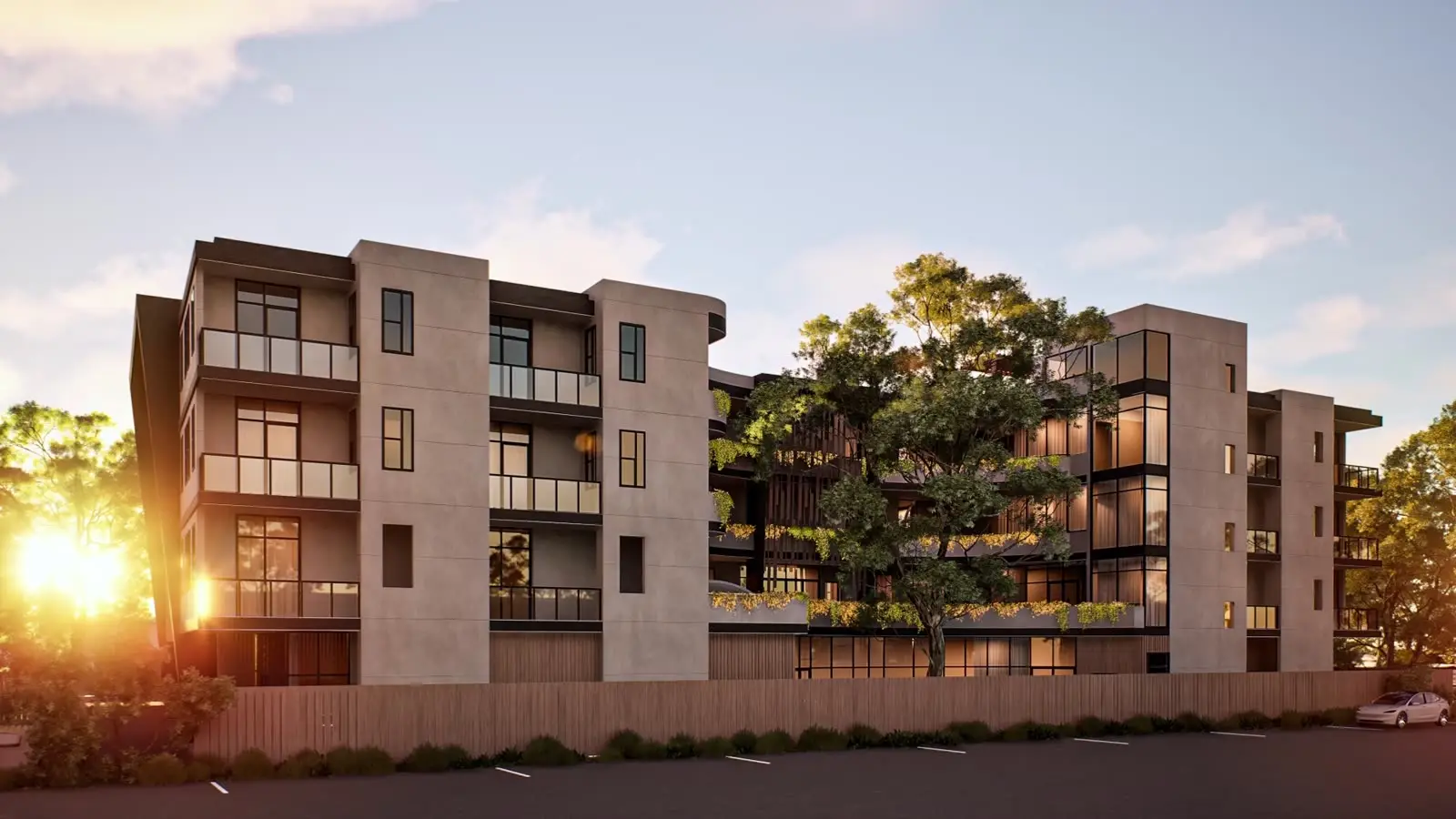
Write each view as a line: what it shows and the job it does. "Street-level exterior at dusk — hero image for hoarding and website" is a brief; "a few exteriors" is not. If you are unsure which views you need, describe the uses and ask the studio to propose a set — that conversation is part of a good quote.
4. The files
Mark what is final and what may still change. A note such as "balcony railings not decided yet" saves a round of revisions later.
- Current plans, sections and elevations — the same revision across all sheets
- A 3D model if one exists (any common architectural format), even if it is rough
- Site plan, landscape plan and anything that shows the surroundings
- Finish schedule or material board: façade, flooring, kitchen and bathroom selections
- Furniture or interior design direction if interiors are included
5. References — and what you like in them
Three to five reference images are more useful than thirty. For each one, say in a few words what you like: the light, the season, the camera height, the level of furnishing, the colour grade. Say what you do not want, too. References without comments are often read the wrong way.
6. Where the images will be used
Print and screens need different things. A large hoarding needs high resolution and a wide crop; social media needs vertical versions; a brochure has a fixed layout with space for text. List every channel — website, brochure, hoarding, listing portals, social, investor deck, sales gallery screens — so formats and crops are planned from the start instead of added at the end.
7. Dates and decision-makers
Give the first date anyone outside your team will see the images: a print deadline, a website launch, an event. Then name the one person who collects feedback and approves each stage. A brief with a clear deadline and a single point of contact is the fastest kind of project to run.
8. What else might follow
If a film, an interactive tour or a 3D scan of the show apartment may come later, say so now, even if it is not confirmed. At DARK renders, animation, 3D tours and websites can come from one model, and knowing the possible next steps early lets the model be built with them in mind.
Copy this one-page brief
- Project: name, location, type, size, design stage
- Audience: who must be convinced, in one sentence
- Views: one line per view — what it shows and what it is for
- Files: drawings (same revision), 3D model if any, site and landscape plans, finishes
- Still open: anything not decided yet
- References: 3–5 images, with what you like and dislike in each
- Uses: every channel and format, print and digital
- Dates: first public date and any print or launch deadlines
- Contact: one person who consolidates feedback and approves
- Possible next steps: film, interactive tour, 3D scan, website
Questions to ask the studio after you send it
- Is anything missing from our brief that would change the price or the schedule?
- Which assumptions are you making where our information is incomplete?
- Do you recommend a different set of views for our audience and channels?
- How many review rounds are included, and at which stages?
- Which formats and sizes are included in the final delivery?