AI in architectural visualization: what it can and can't do for your project
Trends · Orest Moskal · 2026-11-12 · 3 min
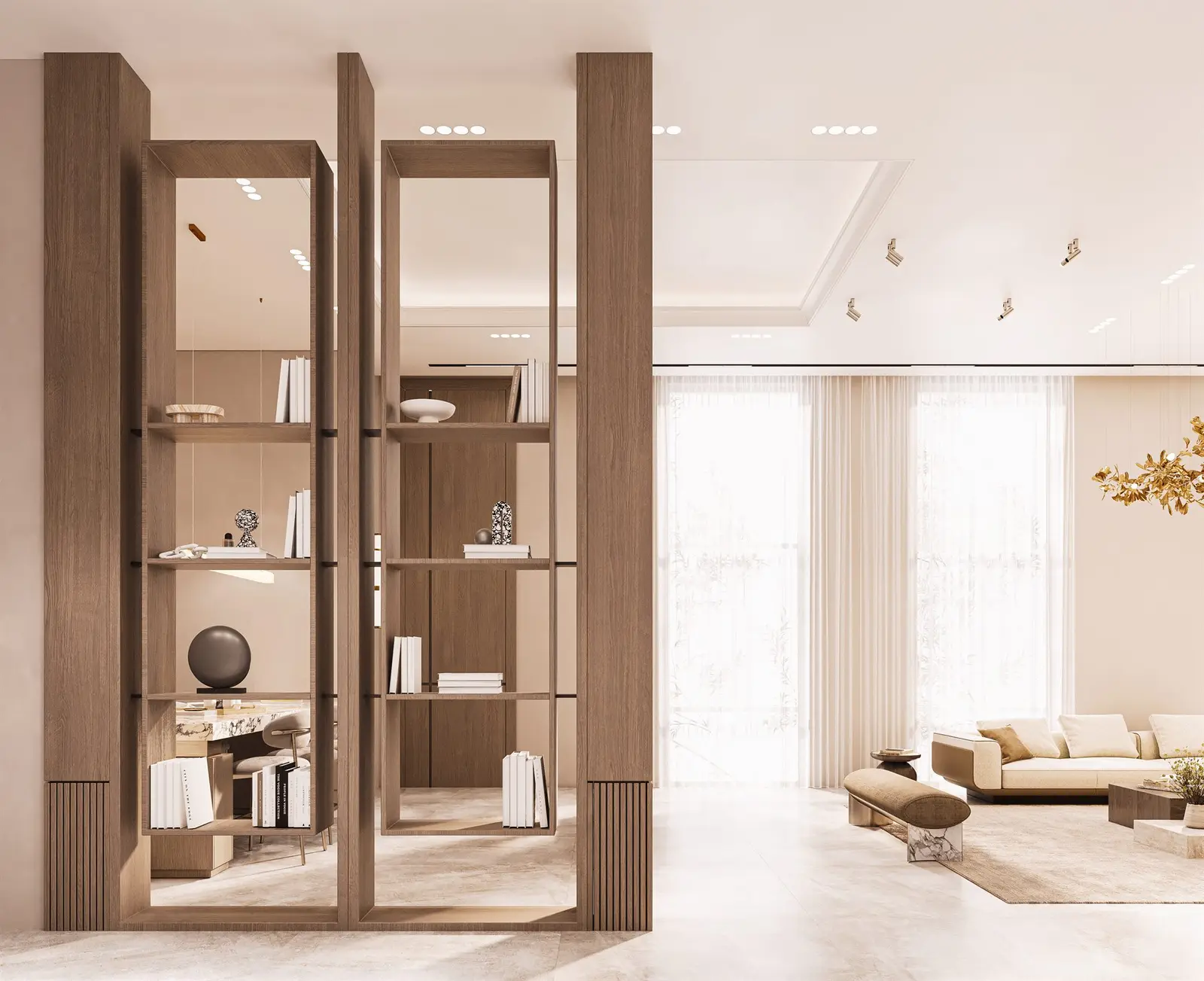
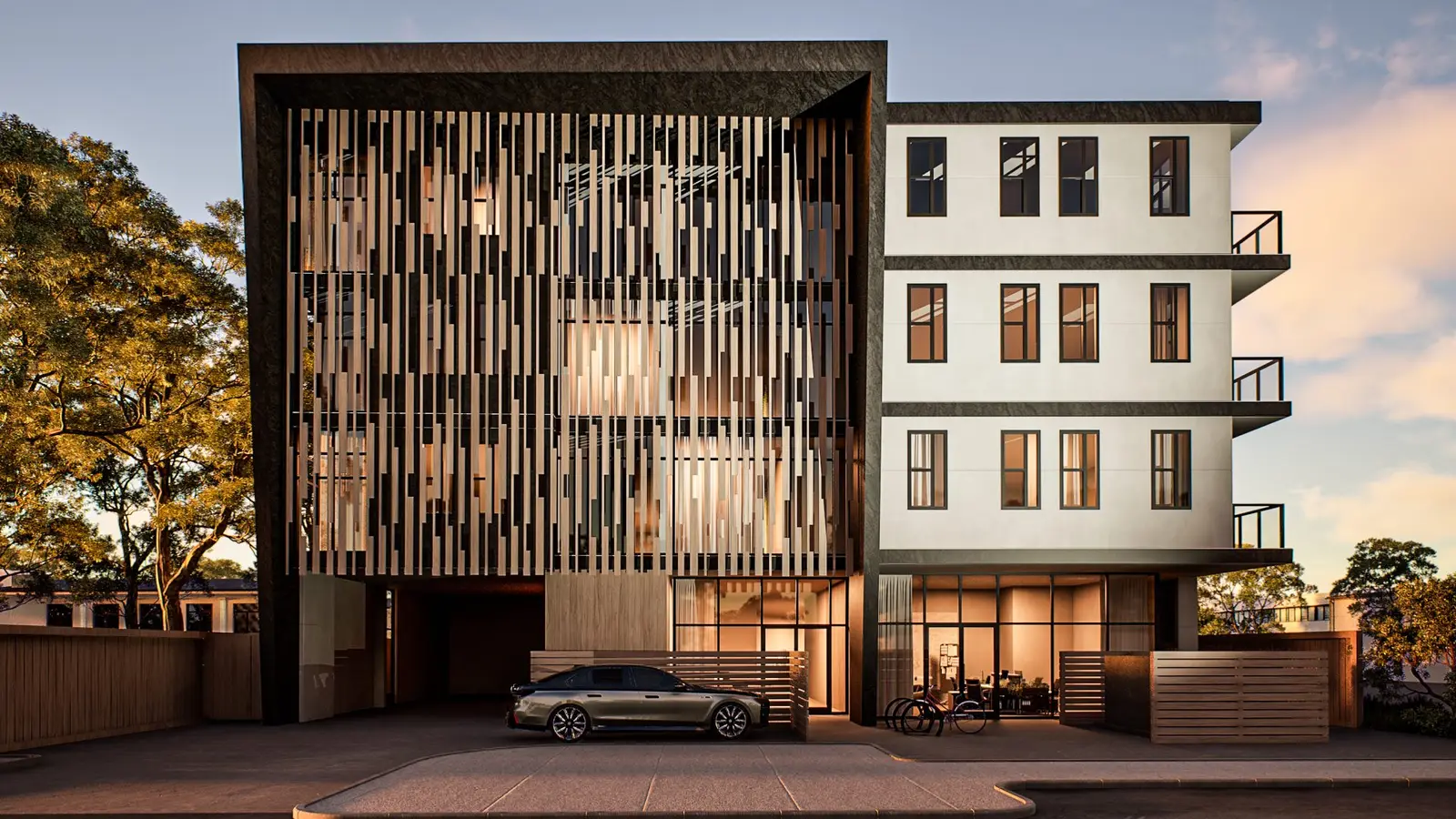
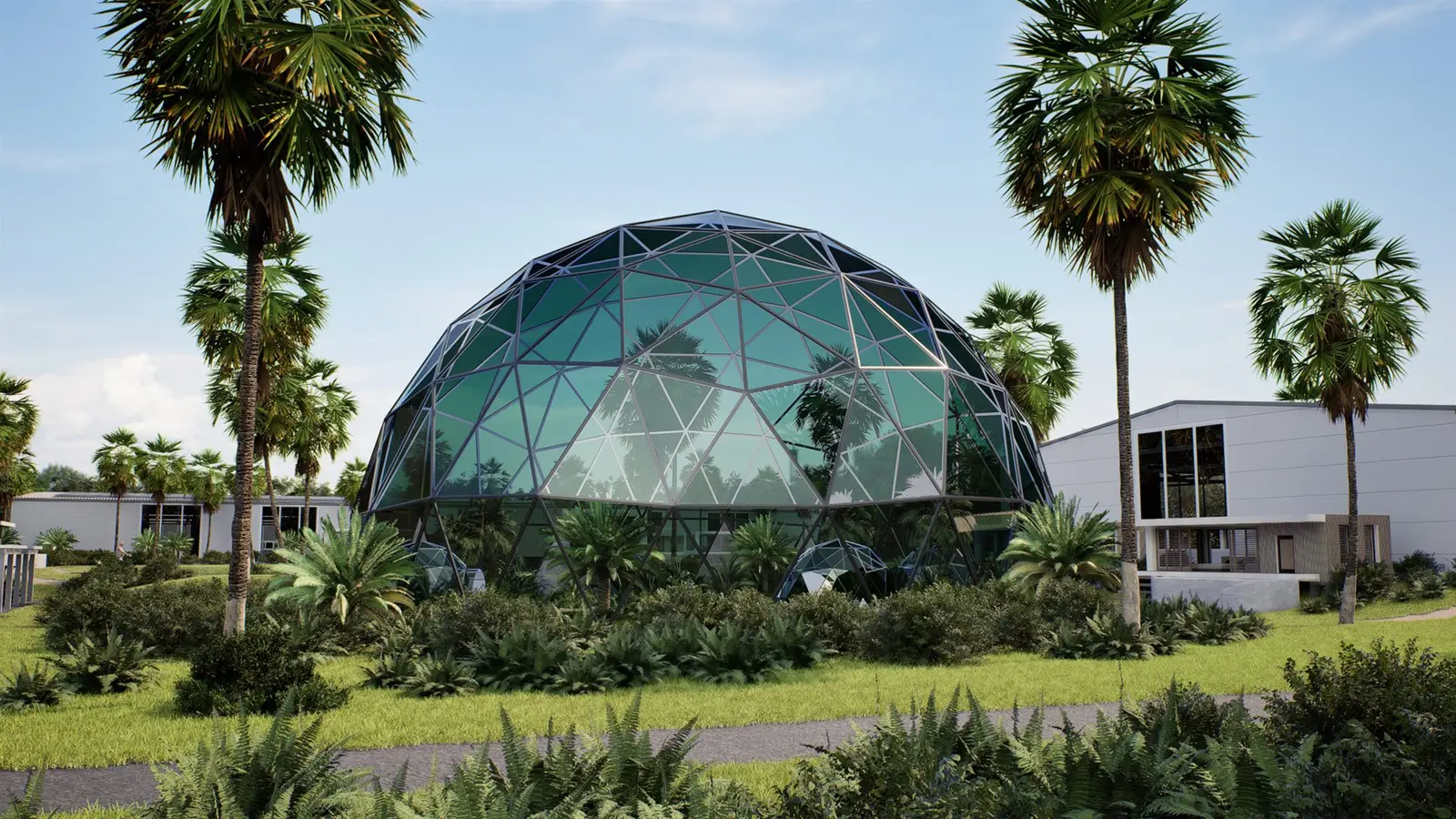
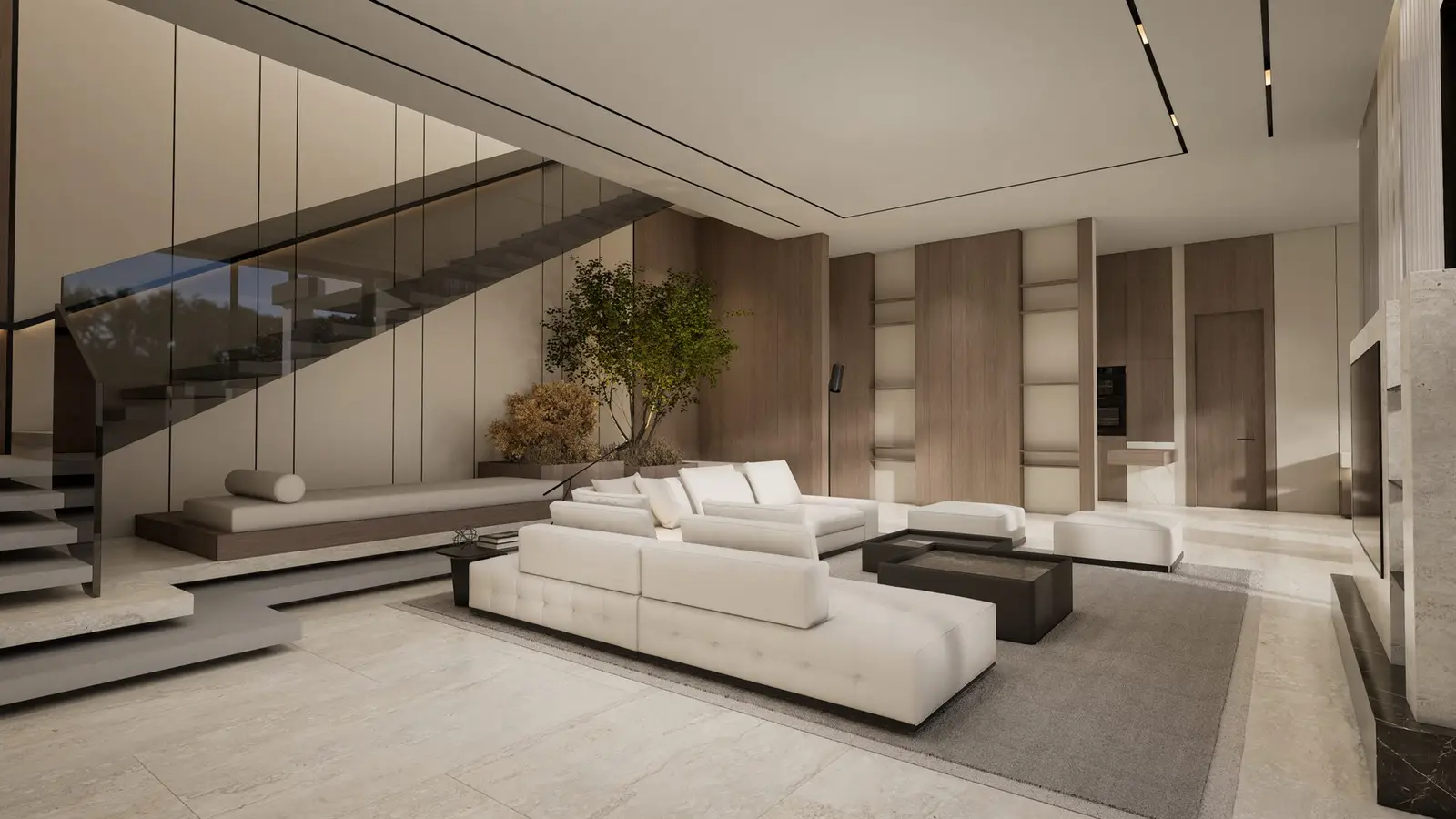
Every developer and architect has now seen AI-generated images of buildings that look stunning and took seconds to make. So the question we hear more and more is fair: do we still need 3D renders? The honest answer is that AI and 3D visualization do different jobs — and mixing them up can cost a project more than it saves.
What AI image generators are good at
Tools that turn a prompt, a sketch or a massing model into an image are excellent for early ideas: exploring a mood, testing materials, showing a client several directions before the design is fixed. They are fast and cheap, and for internal concept work they are genuinely useful.
Where they fall short for marketing
Marketing images have a different job: they must show the building that will actually be built. Image generators don't follow your plans: window counts, floor heights, balcony depths and views drift from one image to the next, and two images of the same building rarely match. Showing buyers something that differs from the final design creates problems later — with buyers, and with how a project's marketing is judged.
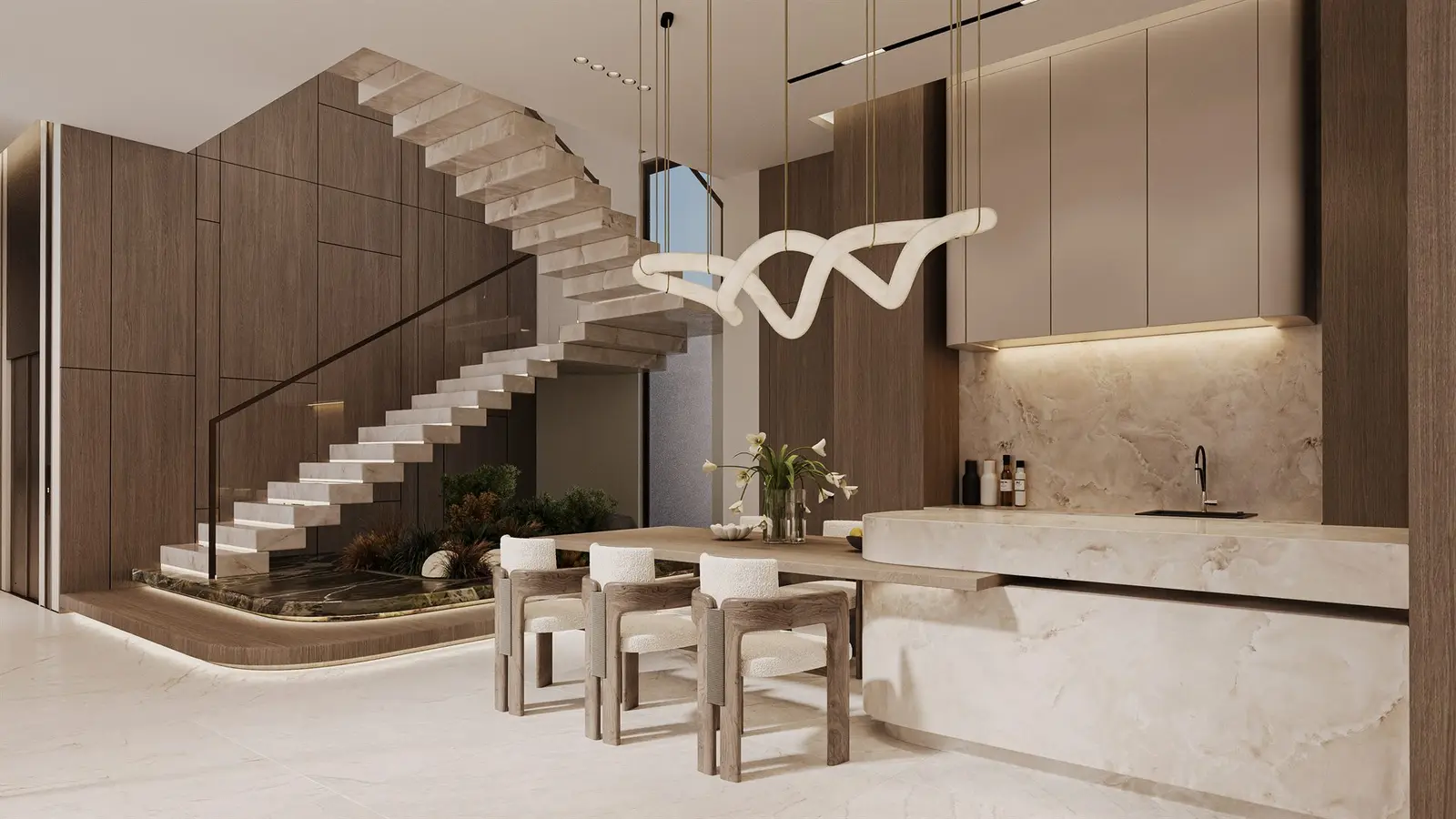
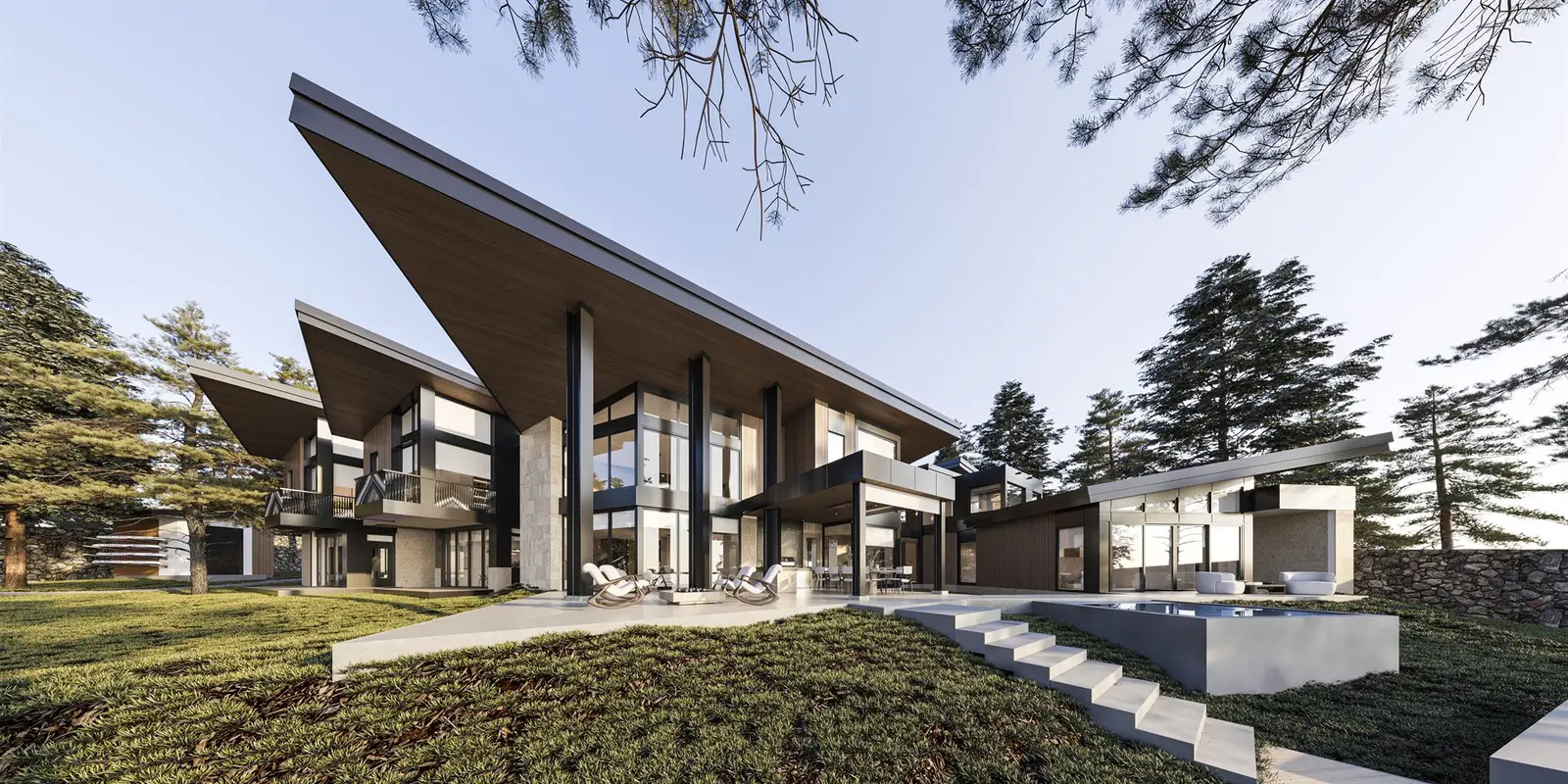
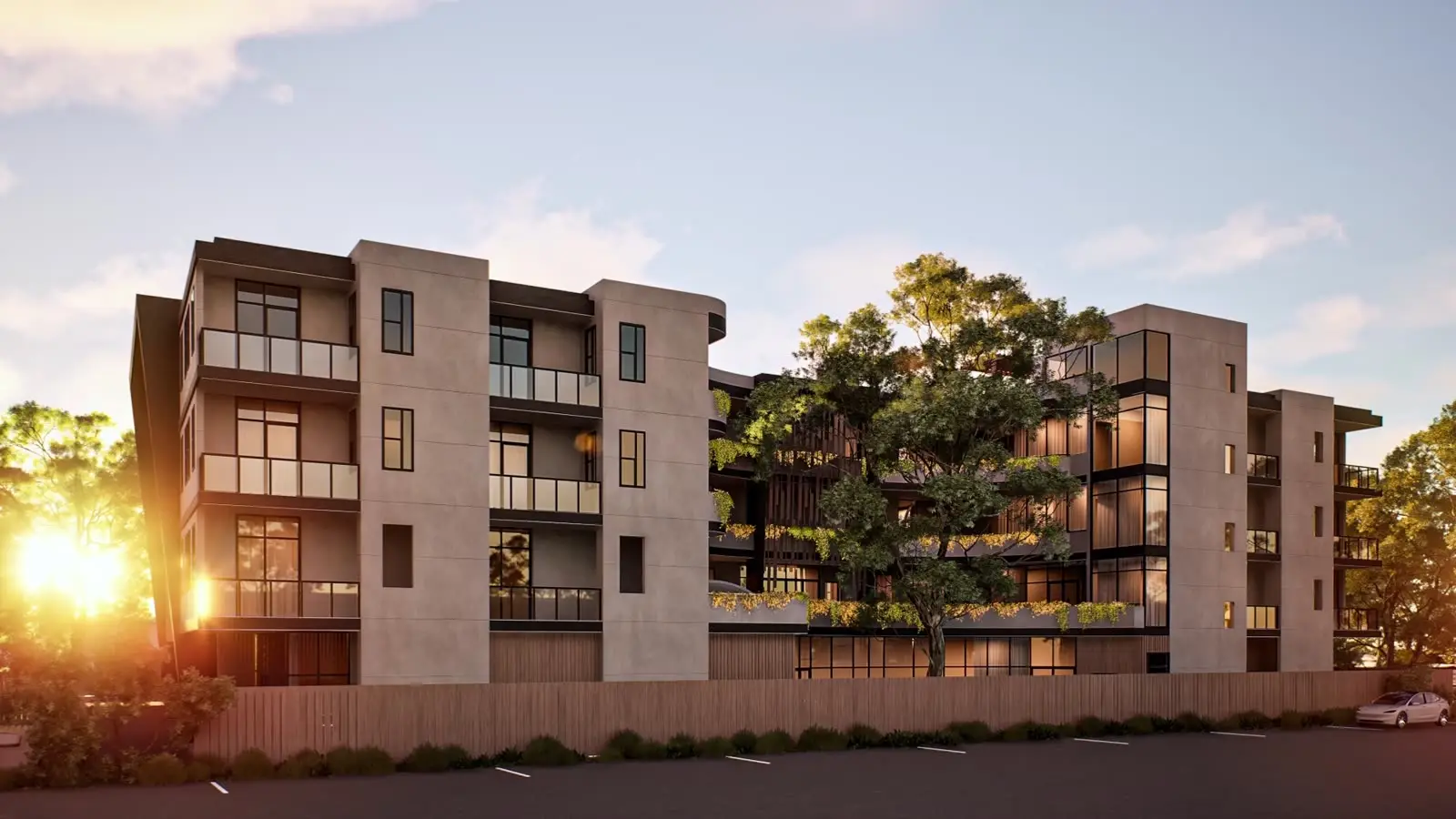
A 3D visualization is built from your drawings or model, so every image, film and tour shows the same, accurate building, and it can be updated when the design changes.
Where AI already helps — inside the studio
The bigger change in 2026 is less visible: AI is being built into the professional tools that studios use. Chaos integrated its Veras AI tool into V-Ray, Corona and Enscape in May and added an AI Assistant to Corona 16 and V-Ray 7.5; Autodesk ships an AI assistant preview in 3ds Max 2027; and the Unreal Engine 5.9 preview lets AI agents operate the editor. These tools help with routine steps such as setup, finding assets and technical questions.
For clients this can mean faster turnaround on routine work. It does not replace the decisions that make an image sell: the camera, the light, the materials, the styling and checking every view against the drawings.
A simple way to use both
- Concept stage: AI images to explore ideas internally and with the architect
- Pre-sales and launch: 3D renders, animation and tours built from the drawings, consistent across every channel
- Ongoing marketing: the same 3D model reused for new views, seasons and social content as the project moves forward
Questions to ask before you approve marketing images
- Are these images built from our current drawings or model?
- Do all views show the same building — façade, floors, windows, landscaping?
- Can the images be updated if the design changes?
- If AI was used, which parts, and how was accuracy checked?