Visualizing a project on the real map: Unreal Engine 5, Cesium and Google Photorealistic 3D Tiles
DARK · 2026-10-29
Showing a project on the real map — with the actual terrain, roads and neighbouring buildings — is one of the most convincing things a visualization can do. Here is how the workflow looks in Unreal Engine 5 with the Cesium for Unreal plugin and Google's Photorealistic 3D Tiles.
The building blocks
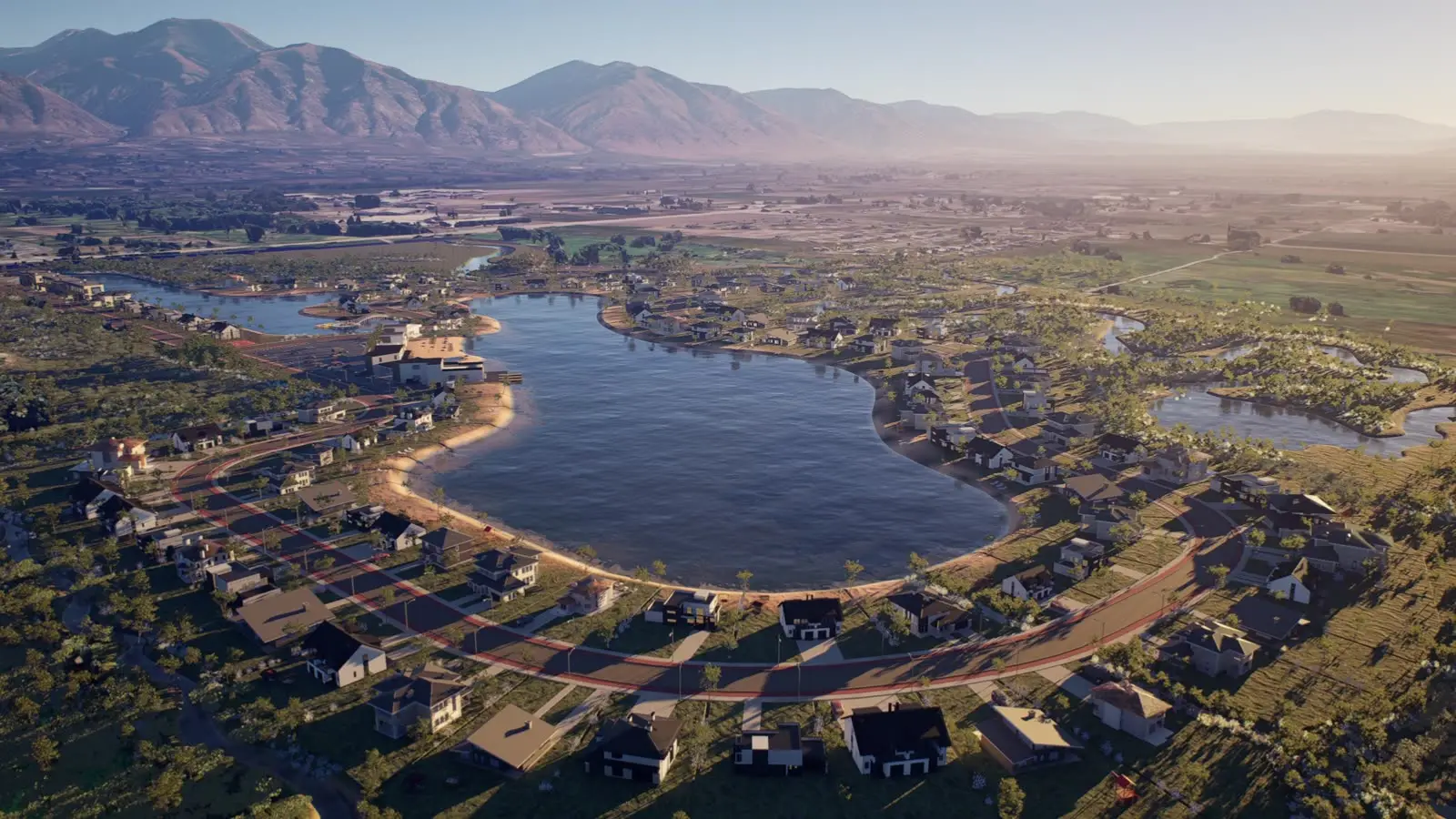
Cesium for Unreal is a free plugin that streams 3D Tiles into Unreal Engine with real-world coordinates. Google's Photorealistic 3D Tiles provide textured 3D geometry of terrain and buildings for many cities, and can be streamed through the plugin. Together they give a scene where the project can be placed at its true location.
1. Georeference the scene
A georeference actor ties the Unreal world origin to a latitude, longitude and height near the site. Keeping the origin close to the project avoids precision problems at large coordinates and makes camera work predictable.
2. Place the project accurately
The architectural or BIM model is positioned by its real coordinates and elevation, then aligned to the terrain. Existing buildings that the new project replaces can be hidden locally so they don't intersect the design.
3. Light it for the real place and time
Sun position is driven by date, time and location, so shadows fall exactly as they will on site. That matters for planning discussions and for honest marketing images.
4. Mix map context with detailed foreground
Photogrammetry tiles are ideal for context but look soft up close. The usual approach is detailed modeled geometry — the project, landscaping, street furniture, people and vehicles — in the foreground, with the 3D tiles carrying the surroundings and the horizon.
5. Deliver as film, stills or an app
The same scene can be rendered as a cinematic film, as still images from specific addresses or viewpoints, or packaged as a real-time application where viewers move around the site themselves.
Attribution and terms
Map data comes with attribution requirements: the data providers' credits must be visible where the imagery is shown. Check the current terms of the tile service before publishing.