Architectural walkthrough videos: what they are, how long, and what to prepare
DARK · 2026-10-29
A walkthrough video moves the viewer through a project the way a visitor would experience it — arriving, entering, and seeing the rooms in sequence. A flythrough does the same from the air. Both sell what a set of still images can't: the flow between spaces and how light changes through them.
Walkthrough, flythrough or both?
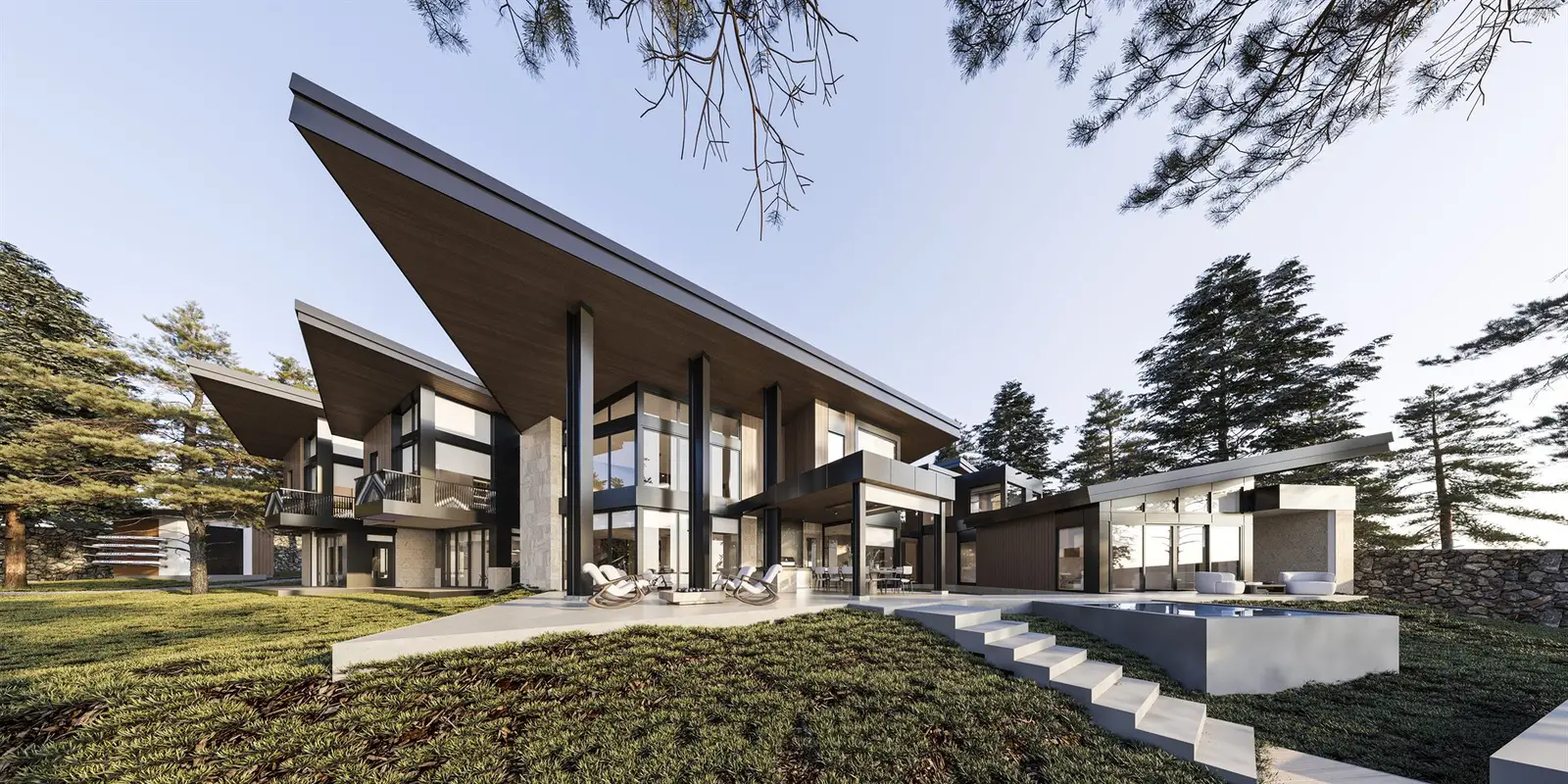
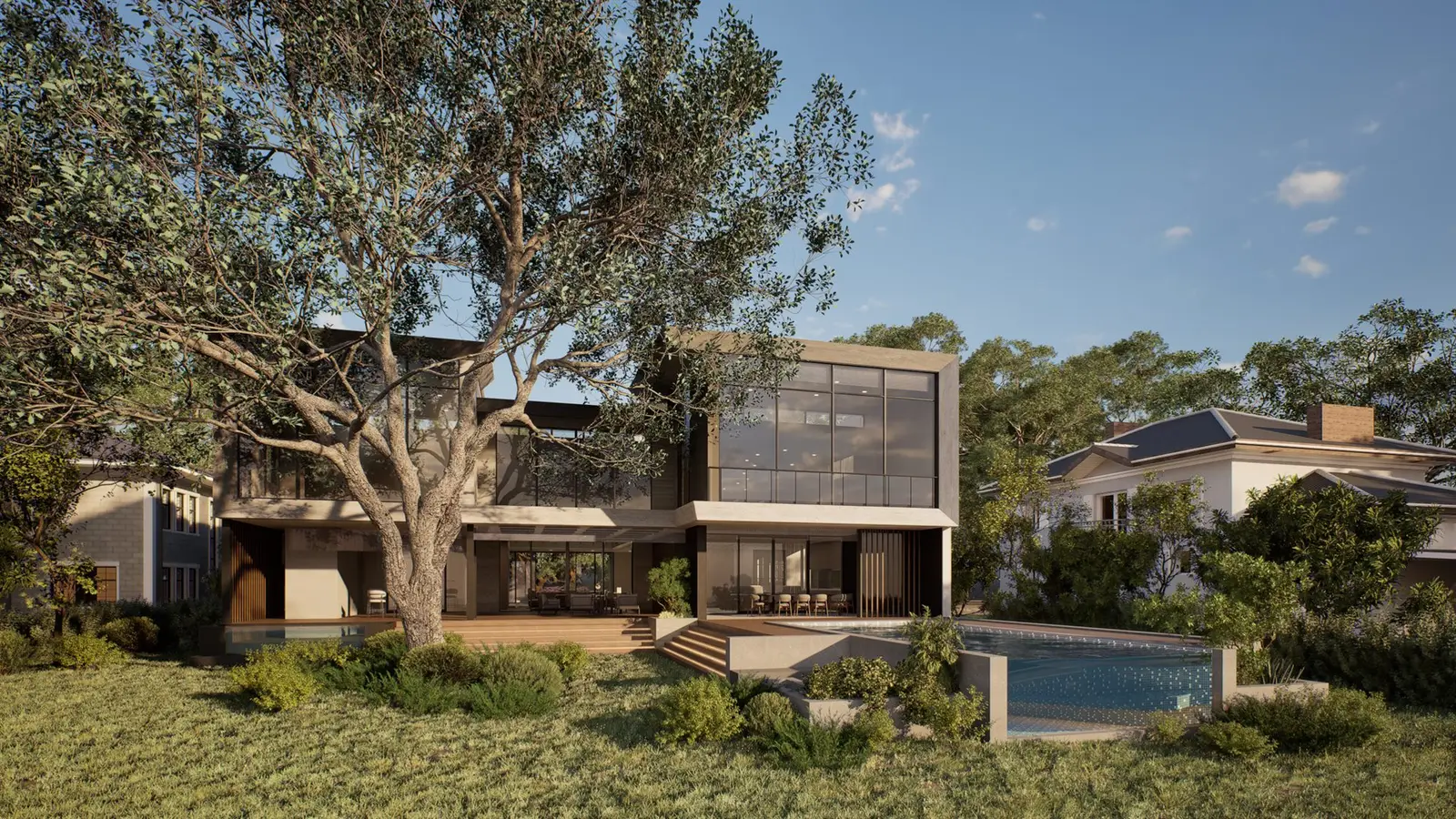
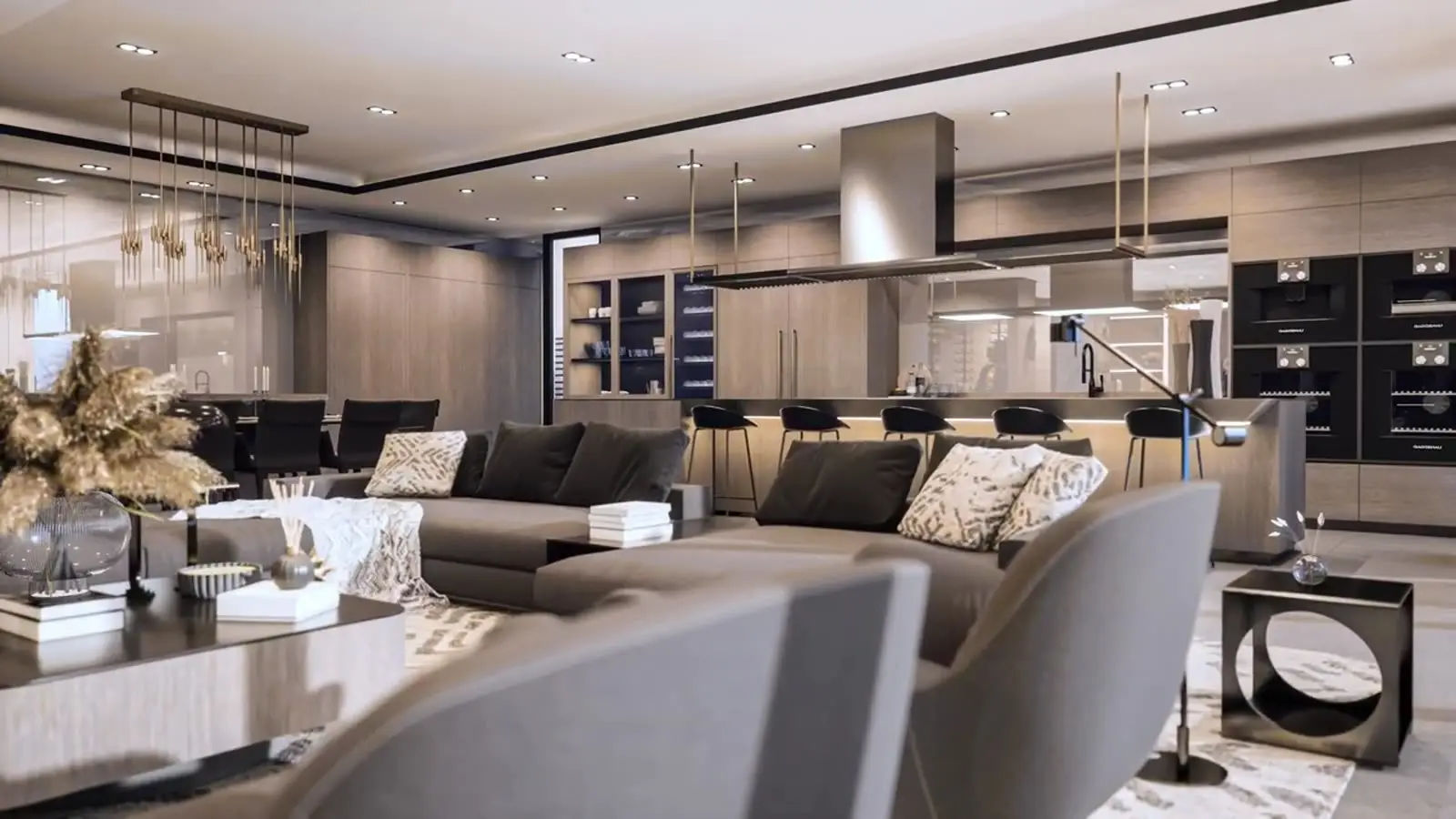
A walkthrough is at eye level and works best for residences, lobbies and amenities. A flythrough shows the building in its setting, the site plan and the views — ideal for developments and masterplans. Launch films often open with a flythrough and continue inside with a walkthrough.
How long should it be?
For marketing, 60–90 seconds holds attention and covers the key spaces. Short 15–30 second cuts work for social media and ads. Longer, room-by-room versions suit sales galleries and buyer follow-ups.
How it's produced
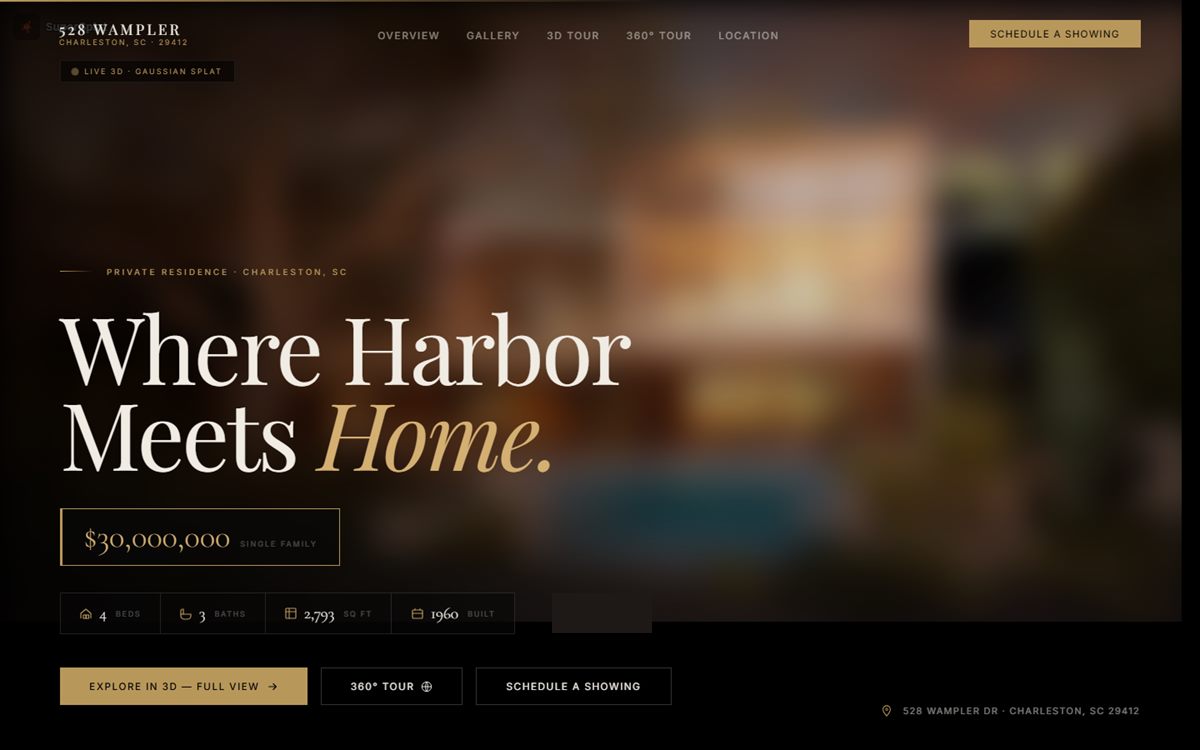
We build the scene from your drawings or BIM model, light it, and plan the camera paths with you on a storyboard. Draft frames are approved before the final render. In Unreal Engine 5 the same scene can also become an interactive walkthrough or a VR experience.
What to prepare
Send what you have; gaps can be filled together.
- Plans, sections, elevations or the 3D model
- Material and finish schedule, furniture style references
- The spaces and moments you want to show
- Target length and formats (16:9, vertical)
- Deadline and where the video will be used
Music, voice and text
Most marketing walkthroughs use licensed music, subtle sound design and short on-screen text. A voice-over can be added for presentations and sales galleries.